

Customer
No calls for updates
Order F-1042
New
Sees confirmation, preparation and delivery progress in the app.
Manage orders from the Fiksy app in one place and serve guests under your restaurant’s name.
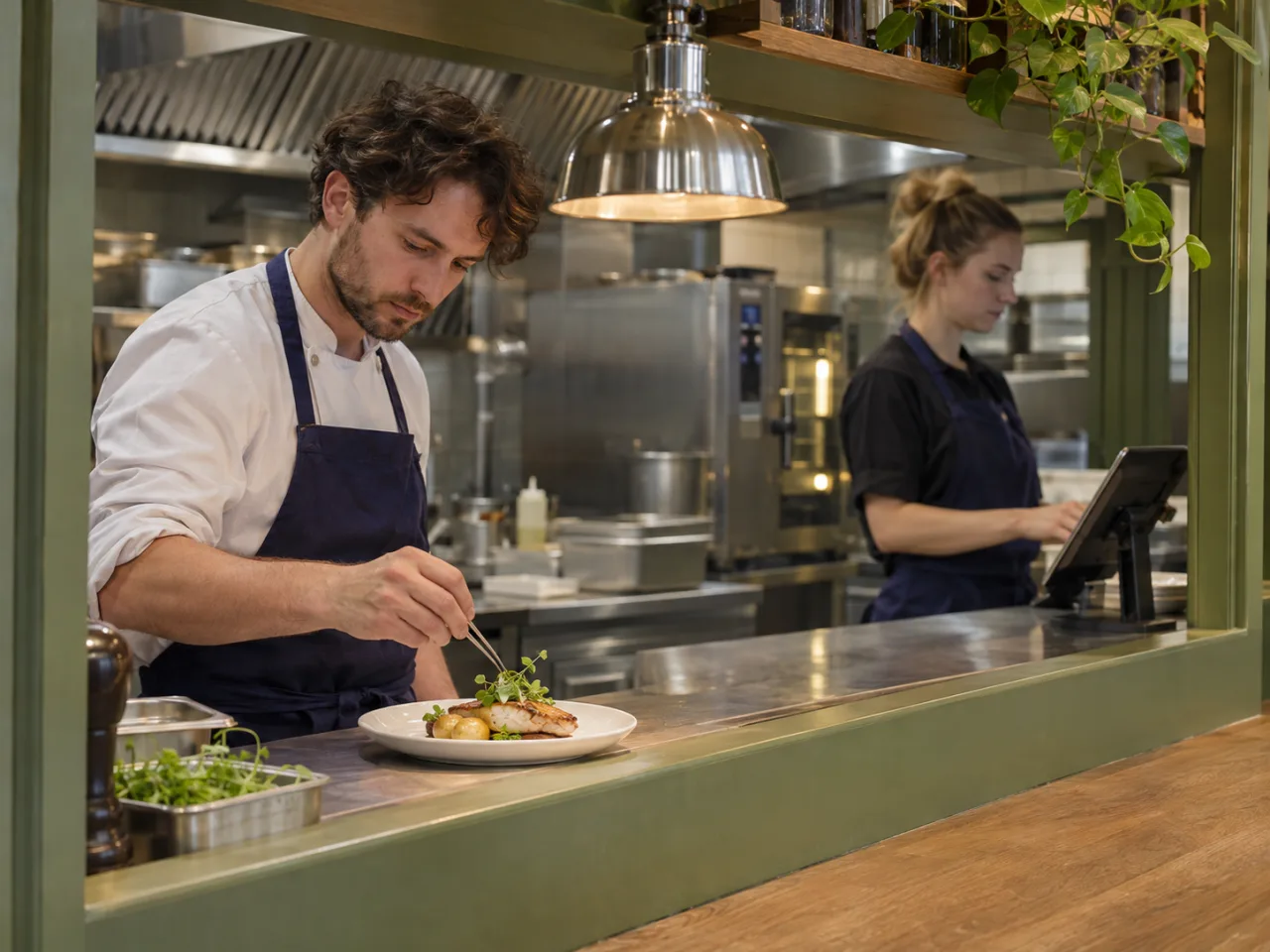
Offer delivery by your team, pickup, preorders or table bookings.
For restaurants that deliver orders themselves inside their own area.
For simple pickup without phone calls or extra coordination.
For cafeterias, lunch spots and busy cafes where the order should be ready for a specific time.
For restaurants where people can reserve a table and optionally choose food in advance.
The web panel keeps new, preparing, ready and handoff orders in one view.
Order board
Demonstration data
Customer
New
Sees confirmation, preparation and delivery progress in the app.
Restaurant
New
Manages orders, menu and delivery without switching between systems.
Courier
New
Gets the order, customer address and route after the restaurant assigns it.
The customer and courier use the Fiksy app. The restaurant manages orders, menu, item availability, opening hours, delivery area and bookings in the web panel.
Send an application and we will contact you to discuss setup, your menu and the order types you want to offer.
About getting started, payments and managing orders.
No. You can launch only the modes that make sense for your restaurant now.
The customer pays online. The restaurant amount is separated from the Fiksy customer service fee. Standard payouts are processed once a week, and the restaurant manages its bank details in a secure financial portal.
No. The same Fiksy app opens the customer, restaurant or courier workspace for the signed-in role.
If you use delivery, the restaurant handles it inside its own area.
The customer books the table first. If the restaurant allows it and the booking is confirmed, food can be preordered for that visit.
You do not need to enable everything at once. Choose the order types you need, and we will help set up your menu, opening hours and order handling.